Kids can become filmmakers today using just a phone. This step-by-step guide covers writing a script, filming scenes, editing apps, and sharing your first movie safely. No film school needed.
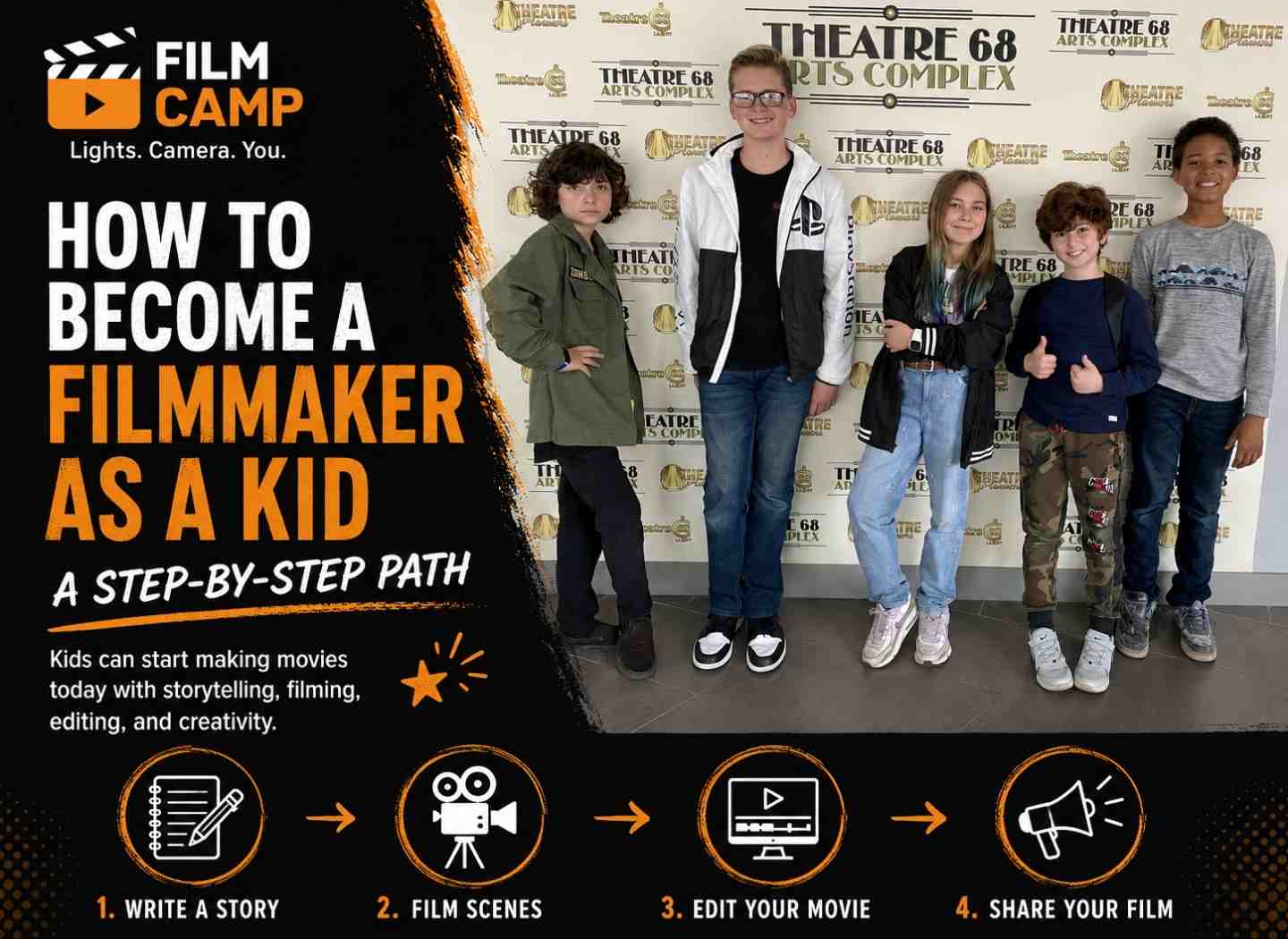
So your kid wants to make movies. Maybe they already point a phone at everything and yell "action." Maybe they just watched something amazing and said, "I want to do that."
Good news. They can start today. No film school. No fancy camera. No permission slip from Hollywood.
This guide walks through the whole path, one clear step at a time. It works for a curious 7-year-old and a focused 14-year-old. By the end, you'll both know exactly what to do this week, this month, and this year.
Let's roll.
A filmmaker tells a story with pictures and sound. That's it. The big word just hides a fun job.
But one person rarely does everything. A movie is a team sport. Knowing the roles helps your kid pick what they love and invite friends to fill the rest.
Here are the core roles on almost every set:
A kid can play all five roles at once. Most beginners do. That's normal, and it's great practice.
Every film moves through three stages. Pros use these words too, so your kid gets to talk like one.
Plan well, and the shoot goes smooth. Skip the plan, and the shoot gets messy fast.
Filmmaking looks like play. Under the hood, it builds real skills your kid keeps for life.
Here's what your child grows while having fun:
You're not just raising a hobbyist. You're raising a kid who can plan, create, and finish. Those wins follow them into school and life.
Right now. There's no minimum age to point a camera and tell a story.
What changes with age is the kind of project that feels fun instead of frustrating.
Match the project to the age, and your kid stays excited:
Start small at any age. Finishing one tiny film beats planning a huge one that never gets made.
Your kid already watches movies. Now they watch with a question: how did they do that?
This one habit teaches more than any course. Watching becomes training.
Tell your kid to spot these things while they watch:
Try a fun drill. Mute a scene and watch it with no sound. Then watch it again with sound on. The difference shows how much sound really matters.
Now ask the big question. What movies make your kid lean forward?
Maybe it's funny stuff. Maybe it's space and aliens. Maybe it's spooky mysteries. There's no wrong answer here.
Loving the genre keeps them going when a shoot gets hard. Make the movie you'd want to watch.
Every great film starts with one idea. Your kid doesn't need a perfect one. They just need a starting one.
Pick a genre first. It sets the mood and the rules. Here are easy ones for beginners:
A story needs someone who wants something. And something has to block them.
That block is the conflict. It's the engine of every story.
Try this simple shape:
Keep the cast small. Two or three characters is plenty for a first film.
A logline is your whole movie in one sentence. Pros write these before anything else.
Use this fill-in-the-blank:
A (character) wants (goal) but (problem).
Here's one in action: A shy kid wants to win the talent show, but his only talent is sneezing.
That's a movie. If you can say it in one line, you can make it.
Now you turn the idea into a plan. Two tools do the heavy lifting here.
A script tells you who says what and where it happens. You don't need fancy software. A notebook works fine.
Keep this simple layout:
That's the whole format. Anyone on your crew can read it.
A storyboard is a comic-strip version of your movie. You draw each shot in a little box. Stick figures are totally fine. This shows everyone what the camera should see.
A shot list is just a checklist of every shot you need. It keeps the shoot fast and organized.
Make your shot list like this:
Check off each shot as you film it. You'll never wonder what to film next.
Here's the part that surprises most parents. Your kid already owns the main tool.
The phone in your pocket shoots better video than the cameras pros used twenty years ago. That's not a trick. It's true.
So skip the shopping for now. Grab the phone or tablet, and start. Gear never made anyone a better storyteller. Practice does.
Once your kid is hooked, a few cheap tools level things up fast:
Buy these only when your kid keeps filming. No need to spend a cent on day one.
A real camera can wait. Maybe forever.
Think about an upgrade only when your kid hits real limits, like wanting better low-light shots or interchangeable lenses. By then, they'll know exactly what they need. Let the work earn the gear, not the other way around.
Time to get ready to film. A little planning here saves big headaches later.
Your kid needs actors. The cast is already in the house and down the street.
Friends, siblings, parents, even the dog can star. Give each person a clear role and an easy line. Pick people who'll show up and have fun.
A location is just where you film. The kitchen, the park, the backyard. Free and ready.
Check the light before you commit. Natural light from a window looks soft and pretty. Try to film during the day. Avoid filming straight into a bright window, or faces turn into dark shadows.
Filming should be fun and safe. Run through this list before every shoot:
Safe sets make happy crews. Happy crews finish movies.
This is the day your kid waits for. Lights, camera, action.
Framing means what you choose to put in the shot. A few simple rules make every shot look better:
Mix these up, and your movie stops looking flat.
Phones make filming easy. These tips make it look pro:
Here's a pro secret most beginners miss. Sound matters as much as picture. People forgive a so-so shot. They won't forgive sound they can't hear.
Get clean audio with these moves:
Editing is where the movie really comes together. Loose clips turn into a real story. This is the most magical step, and kids love it.
You don't need expensive software. These apps are easy, free or cheap, and made for beginners:
Pick one and stick with it for a while. Learning one app well beats hopping between five.
Editing has a few core moves. Your kid will master them quick:
Tell your kid to watch the whole thing start to finish when they're done. Then trim a little more. Shorter is almost always better.
A finished film deserves an audience. Sharing turns a project into a real moment of pride.
Start at home. Host a tiny premiere. Make popcorn. Dim the lights. This moment matters, so make it special.
Then go bigger. Show grandparents on a video call. Enter a kids' film festival. Many festivals welcome young filmmakers and even hand out awards.
Real feedback helps your kid grow. Ask viewers one simple question: what was your favorite part?
The internet is a huge stage. Use it with care.
Follow these rules every time:
Share smart, and the internet becomes a friendly audience. Safety first, every single time.
One film is a start, not a finish. The best filmmakers never stop learning. Your kid's just getting warmed up.
Great lessons are everywhere, and tons are free:
Learn one new trick per film. Small steps add up fast.
Sometimes the best boost is other kids. A class or camp brings a crew, real gear, and a teacher who's done it.
Check your local library, community center, or arts program. Many run filmmaking camps in the summer. Your kid makes friends and a movie at the same time.
Don't overthink the next move. Just follow this plan:
Three films, three new skills. That's how real filmmakers grow.
Don't wait. Pick one of these and start filming in the next few days. Each one's small, fun, and finishable.
Pick one today. Done beats perfect, always.
Yes, absolutely. A modern phone shoots high-quality video and runs free editing apps. Plenty of award-winning short films were shot on phones. Story and effort matter way more than gear.
Any age. A 7-year-old can make a fun stop-motion with help. A 13-year-old can plan and finish a full short film. Just match the project size to the age, and start small.
Just a smartphone or tablet to start. That's it. Later, a cheap tripod, a clip-on mic, and a simple light make a big difference. You don't need a real camera to begin.
iMovie is the easiest pick for Apple users. CapCut is a great free choice on most phones. Both are simple to learn and fun to use. For stop-motion, try Stop Motion Studio.
A simple one-minute film can take a weekend. A more planned short might take a few weeks. The editing usually takes longer than the filming. Finishing one film teaches your kid the real timeline.
Hand them a phone and cheer them on. Watch movies together and talk about how they're made. Help with the editing app at first. Then host a premiere for their finished film. Your support is the biggest boost of all.
No. Many famous filmmakers never went to film school. They learned by making films, watching films, and learning online. The best film school is making your next movie.
Discover why filmmaking classes help creative kids build confidence, teamwork, and storytelling skills through hands-on movie projects at Film Camp Los Angeles, where beginners learn by creating real short films.
Read >.jpg)
Weekend film classes in Los Angeles teach kids ages 8 to 14 filmmaking every Sunday in Glendale. Compare real costs, curriculum, safety, and what to ask before enrolling your child.
Read >
Thanksgiving break film camps fill the three school-free days in Austin, Los Angeles, and San Francisco. Kids ages 7 to 14 write, shoot, edit, and premiere their own short film.
Read >.jpg)
Discover how kids ages 7–14 learn screenwriting, acting, directing, camera work, editing, teamwork, and confidence at Los Angeles Film Camp in Glendale while creating and premiering their own short film.
Read >.png)